
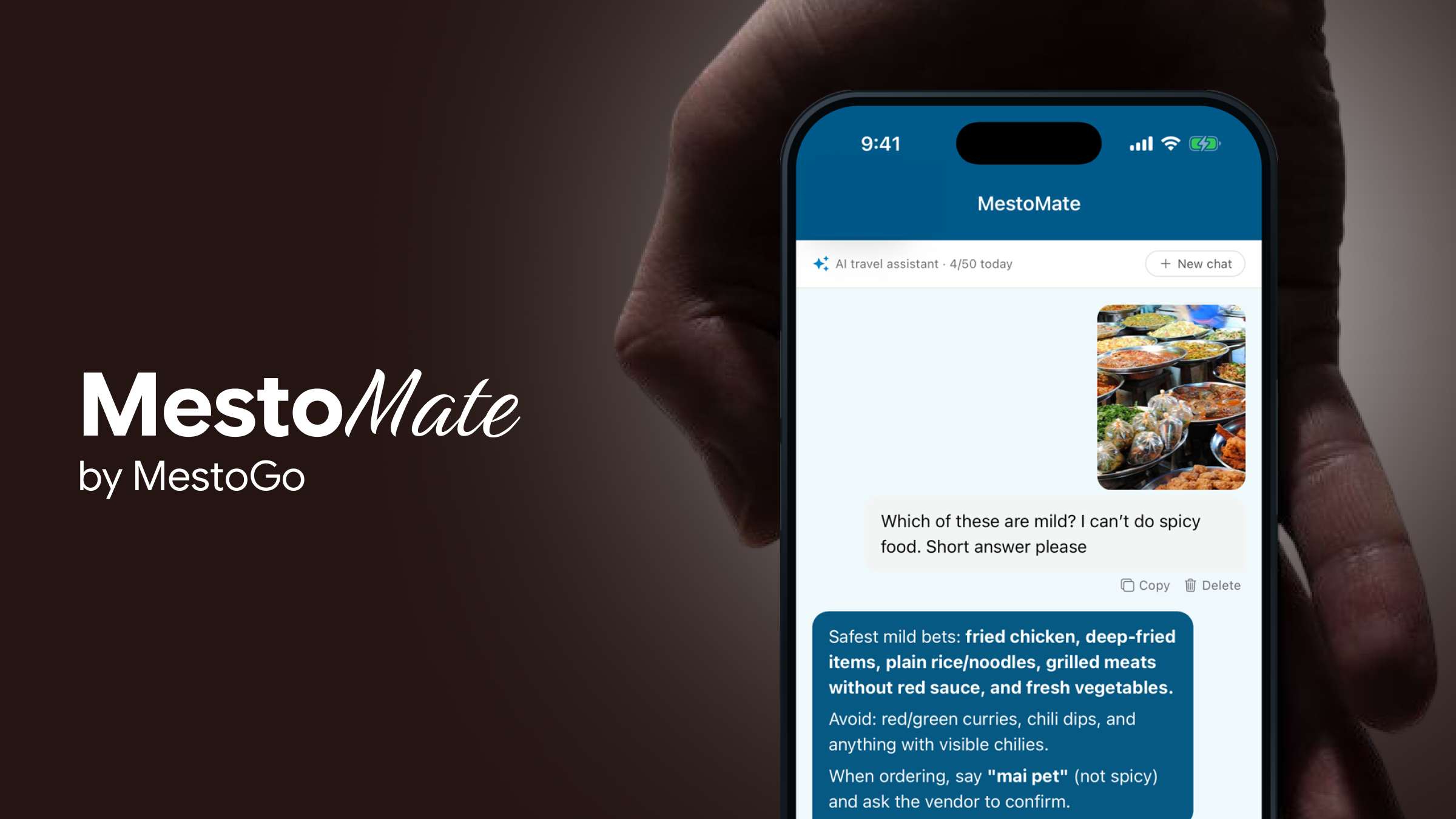
 ChatGPT
 Gemini
 Claude
 Perplexity
You land at KLIA at 9pm with two heavy suitcases and no idea whether the train or a Grab is the smarter move. Or you are at a Bangkok food stall pointing at trays of curries you can’t name, wondering which one will set your mouth on fire. Travel questions rarely wait for a quiet moment with ten browser tabs open.
MestoMate is built for exactly those moments. It is the Smart Travel Assistant inside the MestoGo app: one chat where you can type a question, or attach a photo, and get a short, practical answer for the country you are visiting.
This guide covers what MestoMate can do, how the photo feature works, real examples captured in the app, and the limits worth knowing before you rely on it.
What is MestoMate?
MestoMate is a chat assistant that lives inside MestoGo, the travel companion app for Thailand, Malaysia and Nepal. Think of it as a well-travelled friend you can message any time. It is good at:
- Getting around: airport transfers, trains, buses, ride-hailing and what a fair fare looks like
- Food: what a dish is, how spicy it will be, and how to order it the way you like
- Culture and etiquette: temple dress codes, tipping, polite phrases
- Trip planning: quick day plans and “what should I not miss” ideas
- Practical prep: packing, SIM and eSIM, visas and entry paperwork, budgeting
Answers come back formatted for a phone screen: a direct recommendation first, then short bullet points with the key details in bold, so you can read them while walking.
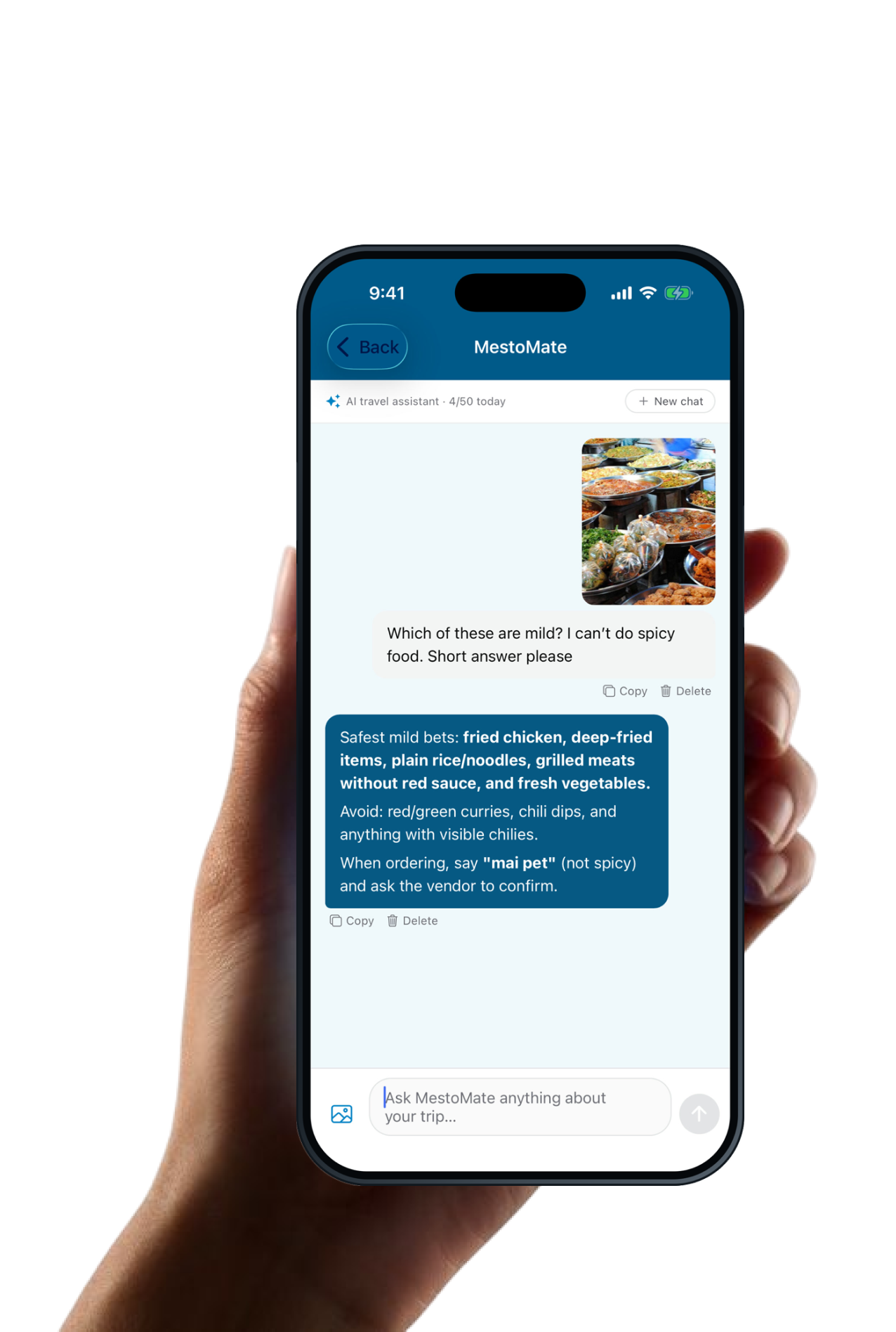
It starts from the country you are exploring
Open MestoMate from a country’s home screen and it knows which destination you mean. The suggested questions change to match, so from the Thailand home you see “Plan 3 days in Thailand for me” and “What should I pack for Thailand?”, and from the Malaysia home you get the Malaysian versions.
That matters more than it sounds. “How do I get to the airport?” has a completely different answer in Bangkok, Kuala Lumpur and Kathmandu. Starting from your destination means fewer follow-up questions and less generic advice. You can still ask about anywhere else; MestoMate just puts your current destination first.
Snap a photo, get an answer
This is the feature most travellers will use daily. Tap the photo button next to the message box and either choose from your photo library or take a photo on the spot. You can attach up to three photos per message, then ask what you want to know:
- Food stalls and menus: “Which of these are mild?” or “What is this dish?”
- Signs and notices: “What does this sign at the temple entrance say?”
- Landmarks: “What is this building and is it worth going inside?”
- Tickets and timetables: “Which platform do I need for this train?”
Here is a real exchange from the app. We sent a photo of a Bangkok curry-and-rice stall and asked which dishes are mild:
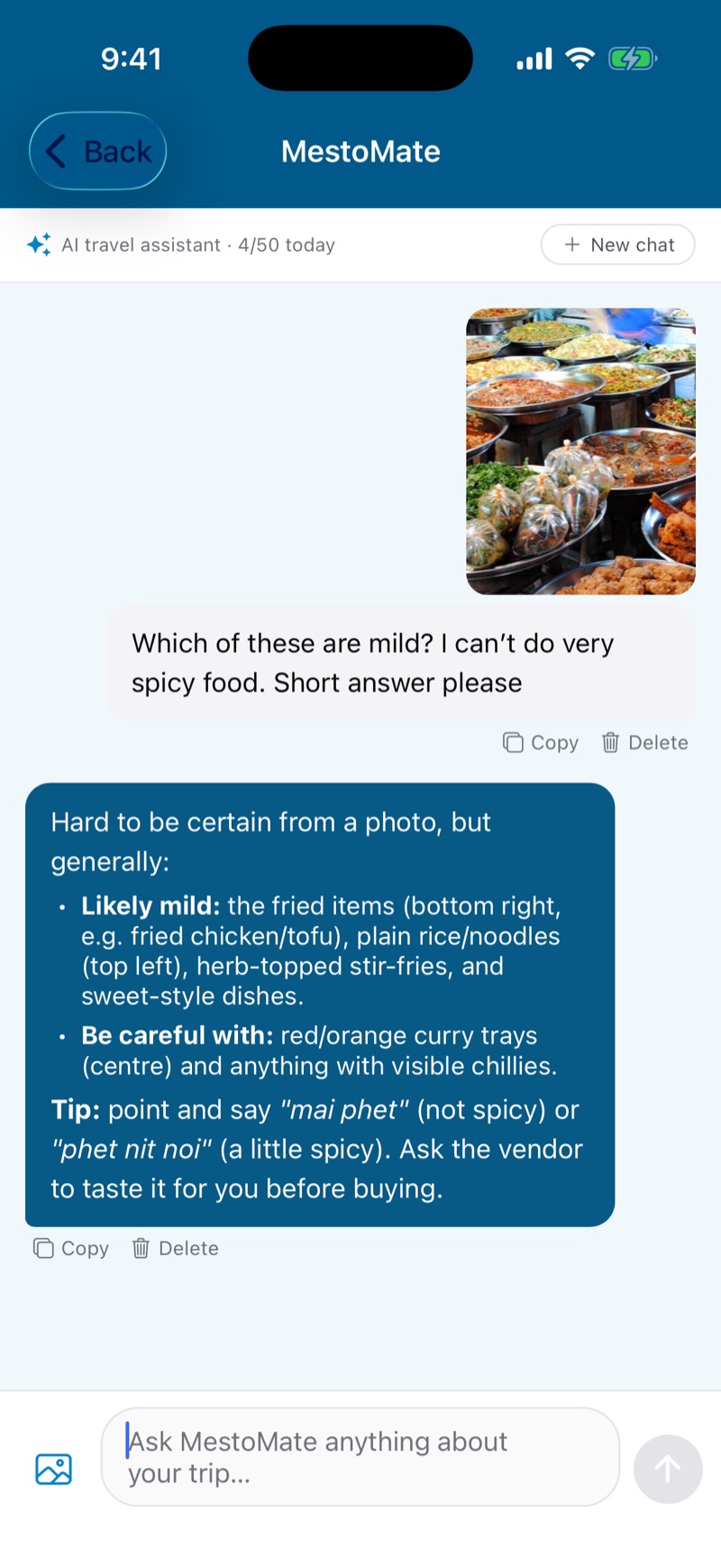
Notice two things. First, the answer is honest: it says it is hard to be certain from a photo, then gives useful guidance anyway (fried items and stir-fries are usually safe, red and orange curry trays are the ones to watch). Second, it gives you something to actually say at the stall, “mai phet” (not spicy) or “phet nit noi” (a little spicy). That is the kind of local, actionable detail a generic search rarely gives you.
A real example: KLIA to Bukit Bintang at night
Transport questions are where MestoMate saves the most time, because the right answer depends on your situation: the hour, your luggage, your budget. We asked from the Malaysia home screen:
Landing at KLIA at 9pm with two big suitcases. Best way to get to Bukit Bintang?
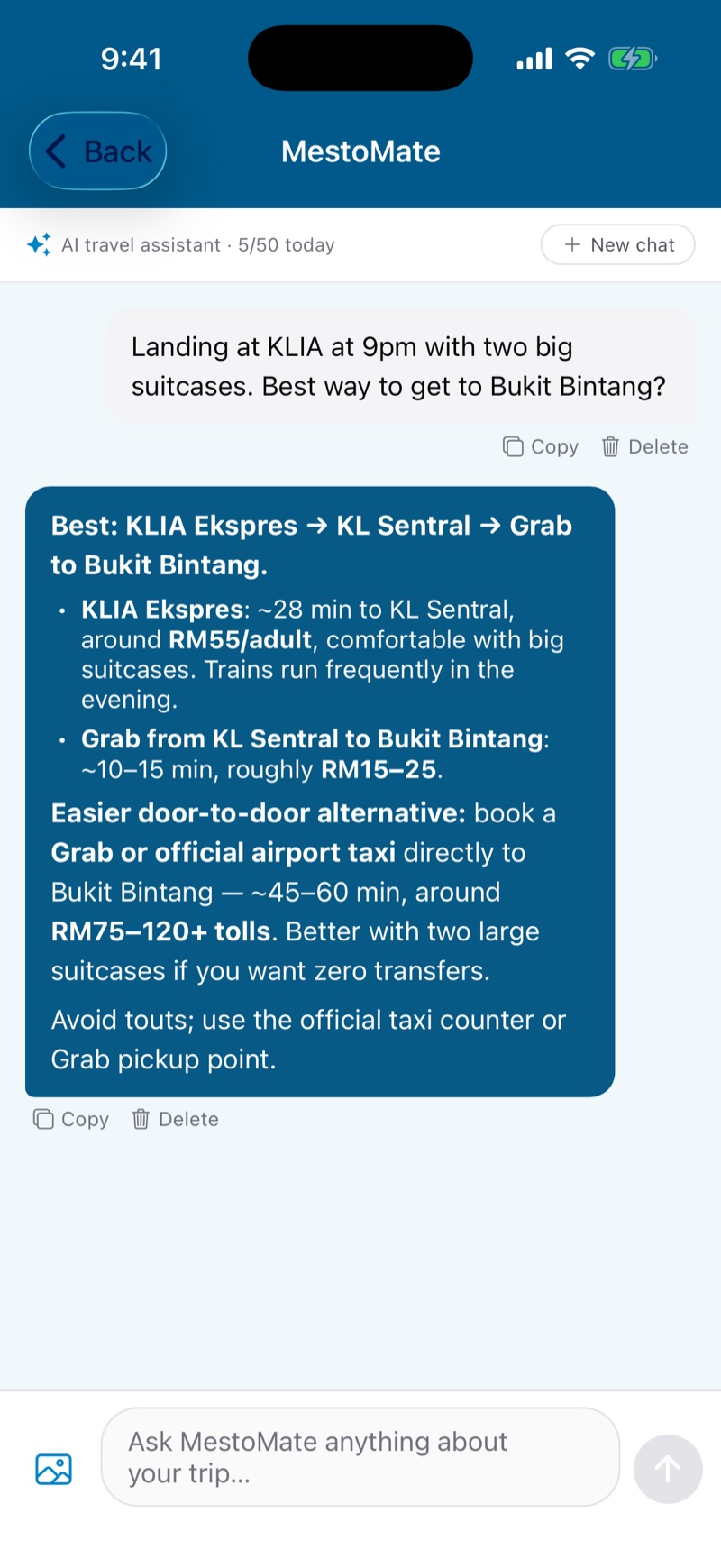
The reply leads with a clear recommendation (KLIA Ekspres to KL Sentral, then a short Grab), gives rough times and costs for each leg, offers a door-to-door alternative for people who would rather not transfer with heavy bags, and ends with a practical warning to avoid touts. Prices like these change over time, so treat them as a guide and check the official fare before you pay.
More questions that work well
| You ask | What you get back |
|---|---|
| ”Plan 3 days in Kuala Lumpur for a first-timer” | A day-by-day outline with areas grouped to cut travel time |
| ”Grab or taxi from Suvarnabhumi to Sukhumvit late at night?” | A side-by-side of options, rough costs and what to watch for |
| ”What should I wear to visit temples in Kathmandu?” | A short dress-code checklist |
| ”Is street food safe to eat in Bangkok?” | How to pick busy, clean stalls and what to skip |
| ”What should I pack for Malaysia in the rainy season?” | A packing list tuned to heat, humidity and downpours |
Tip: you can ask follow-ups without repeating yourself. MestoMate keeps the recent conversation in mind, so “And what if I arrive after midnight?” works straight after the KLIA question.
Small touches that make it easy to use
- Suggested questions: tap one to drop it into the message box, then edit it before sending.
- Answers appear as they are written: no staring at a spinner. If an answer is going in the wrong direction, tap the stop button.
- Copy any message: paste directions into your notes or send a tip to your travel buddy.
- Delete messages you don’t need, or tap New chat to start fresh for a new topic.
- Your chat is kept on your phone: close the app and your conversation is still there when you come back.
- Retry: if a reply fails on a weak connection, tap Retry instead of retyping.
How to start using MestoMate
- Install or update MestoGo on your phone.
- Choose your destination: Thailand, Malaysia or Nepal.
- Tap the MestoMate tile on the home screen.
- Sign in if you haven’t already. MestoMate needs an account.
- Type a question, tap a suggestion, or tap the photo button to attach a picture.
Good to know before you rely on it
- There is a daily limit. The header shows how many questions you have used today. The app warns you when you are close, and the count resets the next day.
- Double-check anything time-sensitive. Visa rules, fares and opening hours change. Use MestoMate to understand your options quickly, then confirm the details that matter with the official source. MestoGo’s own visa and entry guides are a good next stop.
- Photos are a strong hint, not a guarantee. MestoMate can’t taste the curry. If you have an allergy or a strict diet, ask the vendor directly.
- It’s an AI. It can be wrong. If an answer looks off, ask a follow-up or check another source.
Frequently asked questions
Is MestoMate free? MestoMate is included in the MestoGo app, with a daily usage limit that resets every day.
Do I need an account to use MestoMate? Yes. You need to sign in to chat with MestoMate.
Which countries does MestoMate cover? It is tuned for Thailand, Malaysia and Nepal, the countries MestoGo supports. You can ask about other places too.
Can MestoMate read photos of menus and signs? Yes. Attach up to three photos per message from your camera or photo library and ask what you want to know.
Where is my chat history stored? Your conversation is saved on your phone so it’s there when you reopen the app. Tap New chat to clear it.
Try MestoMate on your next trip
Stop juggling tabs and group chats. Ask MestoMate, get a clear answer, and get back to enjoying the trip. If you are planning a whole trip rather than a single question, pair it with MestoGo’s AI itinerary planner for a full day-by-day plan.
- iPhone (App Store): Download MestoGo for iOS
- Android (Google Play): Download MestoGo for Android
Related Articles
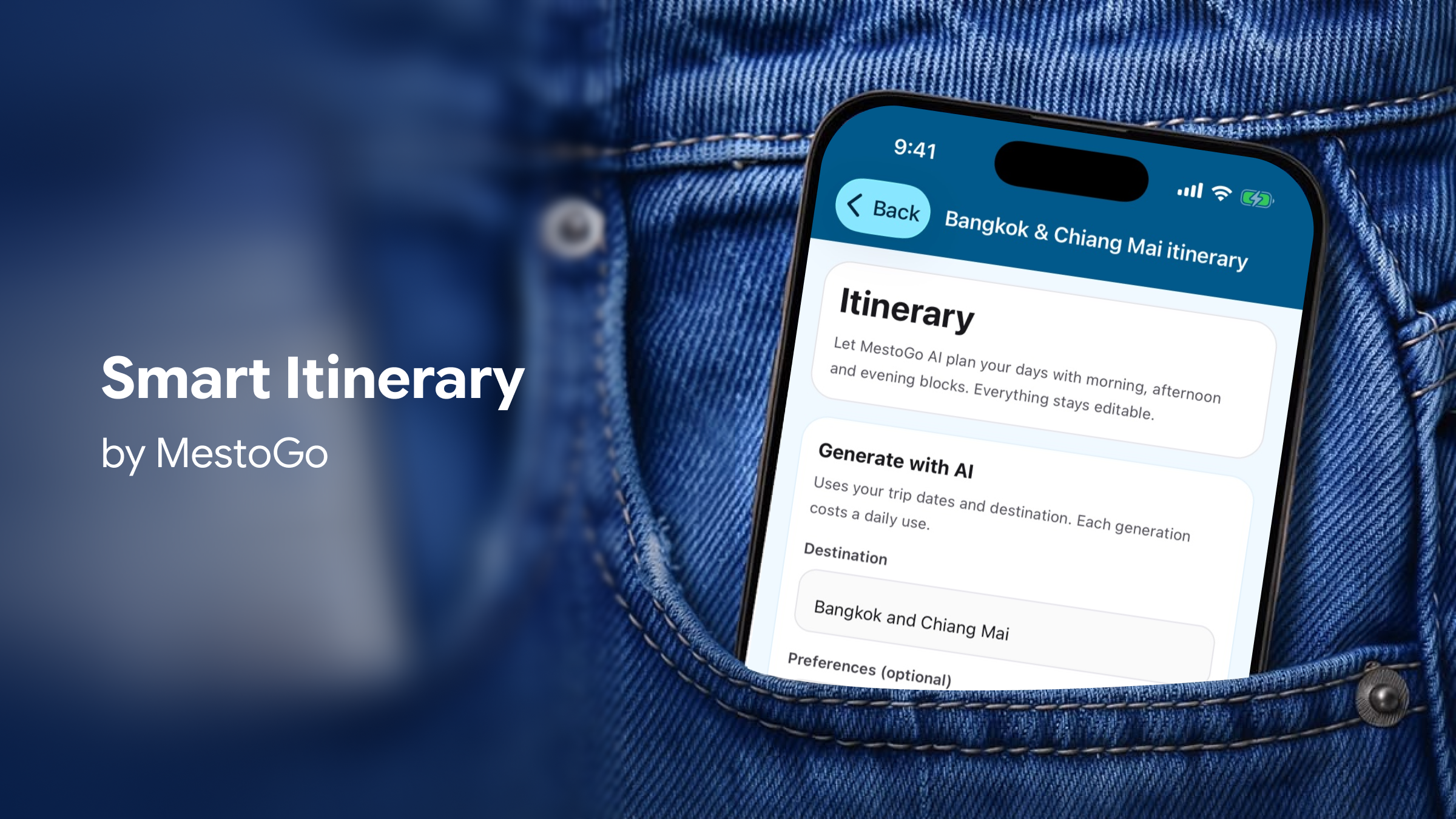
Meet MestoGo's Smart Itinerary Planner
MestoGo's Smart itinerary planner turns your trip dates, destination and travel style into a morning, afternoon and evening plan for every day. It builds in the background, and every block stays fully editable.

Suvarnabhumi Airport Hacks: From 'Golden Land' to City in 45 Minutes
Navigate Suvarnabhumi Airport (BKK) in Bangkok with ease. This comprehensive guide covers arrivals, departures, transportation, facilities, and essential tips for a smooth journey.

The Bangkok MRT Rules Tourists Keep Breaking (Without Knowing)
Master Bangkok's MRT with our etiquette guide. Learn queueing rules, seat etiquette, noise policies, and rush hour tips for a smooth, respectful ride.
The Thailand Weather Pattern Most Guides Get Wrong (A Month-by-Month Fix)
Plan your Thailand trip around the right weather, crowds, and prices. See the best months for beaches, trekking, diving, and festivals — plus the Andaman vs Gulf coast monsoon inversion.